Wednesday, October 29, 2008

Check out our new (8 years old) website: Sabaai.com

Dear all,

As some of you might know, we started Sabaai.com, our very first online-booking site, in July 2000. This website was, and still is, dedicated to serviced apartments in Bangkok.

Today, (and after 2 years of research and development), we are launching a brand new instant-booking engine - and Sabaai.com will be our testing platform for the coming months.

Our booking engine features:

Instant Pricing: calculate instantly total pricing based on number of days
Instant Availability: with allotments, calendar linking and close cooperation with our partners, we display available apartments first
Secured & Fast Online Booking: with a credit card, you can book an apartment for a day, a week or a month instantly, almost anywhere - and it's fast.
Faster Search: we show you only the apartments matching with your requirements. The results are 100% relevant to your request.
We plan to roll out this new system to all our Moveandstay sites (Global, UK, French, Australian, Chinese and Japanese sites to be more precise) in early 2009.

Please have a look at Sabaai.com: we hope you will be exited as much as we are.

Your suggestions and feedback will be very much appreciated: Comments on this blog are welcome!

Labels: ,

Tuesday, October 28, 2008

Affiliate Contract & FAQ Changes

Dear Partners,

Following your questions and feedback, we have updated the Affiliate Contract and Affiliate FAQ for serviced apartments and serviced offices as per below:

AFFILIATE CONTRACT: 3 Compensation

3. Payments are made monthly by Paypal or Credit Card (preferred methods).

- Paypal: Payment is done immediately as long as we received the commission from the apartment

- Credit Card: Payment is done immediately as long as we received the commission from the apartment and provided you have a credit card processing tool.

- Bank Transfer: Payment is done when the commission reaches a certain level, The level is up to the affiliate partner. There is USD 20 to USD 40+ bank fee deducted to the affiliate commission in this case.

Important: Your commission will be paid only if Moveandstay get its commission from the property. If a client make a confirmed booking (booking status is set as Booked) and cancel his reservation before arriving at the property, no commission can be paid to the affiliate.

AFFILIATE FAQ:

Tip#19: What do you mean by "net commission"?

It is the commission we receive from the property deducted of all bank charges (i.e. if Moveandstay gets 10% of the total booking value for a property, our commission may not be 100% of this amount. There is bank transfers fees, etc)

If you have any question, please do not hesitate to contact us

Monday, October 27, 2008

Powering a clean energy revolution

Following my previous articles on getting a green office or environmental friendly apartment here and here, Google recently published a very interesting article about powering a clean energy revolution

You can learn how to set power management on your computer or get access to a carbon footprint calculator... The topics are as per below...

- Heating and Cooling
- Saving Water
- Computing Equipment
- Electronics and Home Appliances
- Other Energy-saving Tips
- Government Programs

Interesting to read also 3 free awareness posters from the Australian Government


Thursday, June 5, 2008

Counter mesures against hackers

Following my previous post regarding hackers...

Moveandstay network (all websites and affiliate system) will be down for a while, we are currently setting up a new system to protect our network against hacker attacks.

All system should be back online within 2 hours

We are deeply sorry for the inconvenience.

UPDATE: All our network is secured and back to normal now.

Tuesday, May 20, 2008

Moveandstay Attacked by Hackers!

Dear Moveandstay Users and Affiliates,

Moveandstay network (including affiliate system) has been victim of an intense attack by hackers that completely put our network down for 2 and half days.

We deeply apologize for this down period and we are sorry for the inconvenience it may have caused.

We managed to fix the problem as soon as we could and everything is back to normal.
We are taking measures now so this incident will not to happen again.

If you have any question, please feel free to contact us at affiliates [at] moveandstay [dot] com

Thursday, March 6, 2008

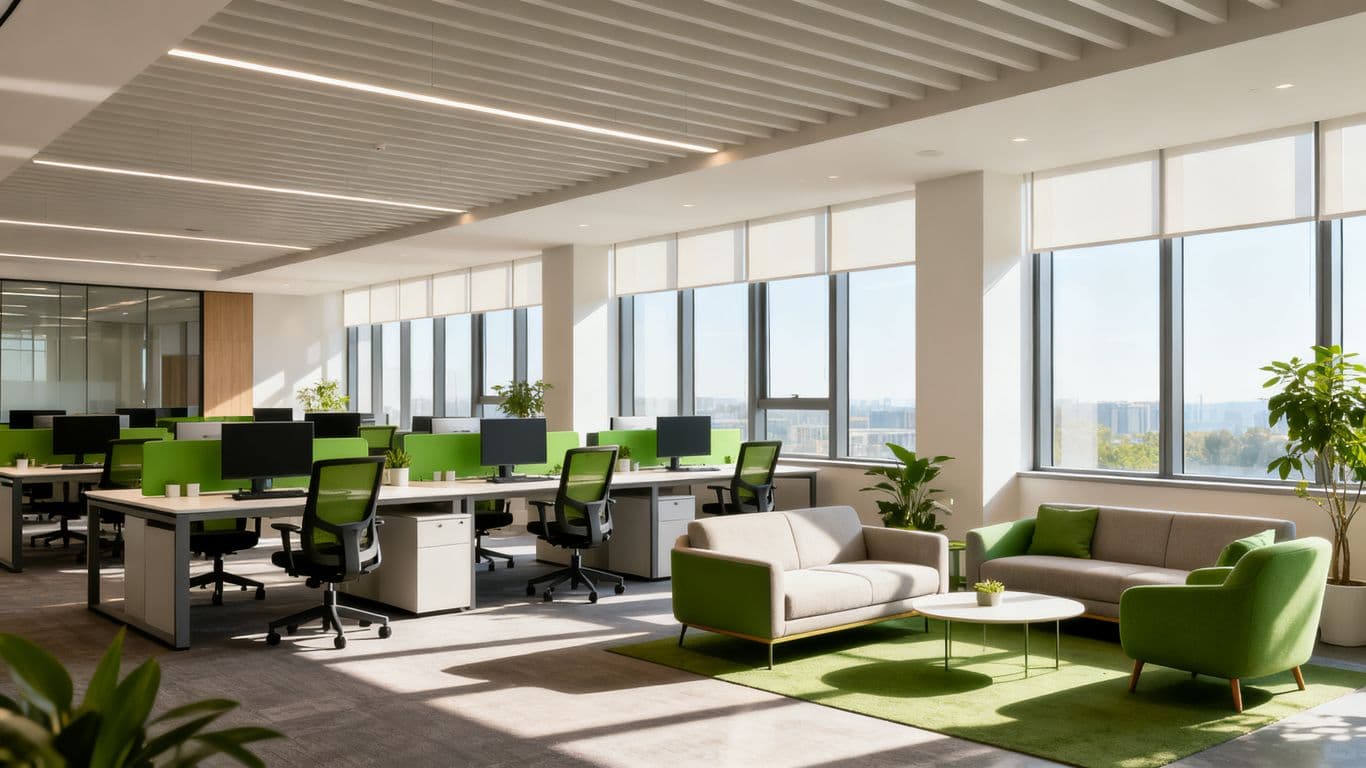
10 simple steps to get a green office

10 simple steps to get a green office from Greenoffice.org.nz

1- Measure how much you use & how much you waste!
  • Keep track of the number of copies you make. Use the counter on your machine to work out just how much paper is being used. Prepare to be surprised!
  • Calculate the weight and volume of paper used in your office each year and let your staff know how much they use
  • As you go through your green office programme you’ll be surprised how much paper you can save… and how much money you can save your office!

2- Save paper ~ Think before you print.

  • Use your print preview software: in any Microsoft Office application select 'File - Print Preview'.
  • Avoid making multiple copies of large documents with summary pages, PowerPoint presentations, online documentation and email.
  • Always check on screen for errors before you print.
  • When printing conduct a print preview, to make sure efficient paragraphing and pages are correct. Choose the correct font size for your printing, and use the function 'shrink to fit' to use the paper adequately.
  • Combine accounts to have just one mail out rather than several.
  • Edit and re-script your invoice system and ask your suppliers to do the same.
  • Minimise Office Paper Waste by using the phone, or via email rather than written.
  • Double sided printing and photocopying.
  • Print multiple pages per sheet for presentations and the like.
  • Update mailing address list - delete any that are out of date.
  • Print company cards rather than individual cards that may only be wasted.

3- Save toner

  • Draft quality printouts use less toner. Select 'draft' printouts when using the 'Print' command on your computer – this is usually changed under Printer Options on the Windows Print Dialog box.
  • You can even set your printer to make draft prints by default.
  • Tailor the size of paper to the length of your message.

4 - Save energy

  • Make sure all computers and other office equipment are turned off when they are not being used and that lights are turned off when natural light is sufficient.
  • Use energy efficient light bulbs where possible.
  • Make sure energy saving features on PCs, printers and photocopiers are enabled.
  • Use the stairs rather than a lift!
  • Change the thermostat on the heating or air-conditioning.
  • Use blinds to reduce solar gain in summer and save on air conditioning costs.
  • Don’t fill the kettle to make a single cup of coffee.

5- Recycle as much as you can!


  • Check what items are picked up by your local authority’s kerb-side collection, if it has one.
  • All paper including used office paper, newspapers and cardboard.
  • Plastics.
  • Cans & glass.
  • Compostable materials.
  • Mobile phones & batteries.
  • Office equipment.

6- Share Stationery


  • Encourage staff to share and circulate copies of reports rather than issuing separate copies .
  • Share staplers, hole punches etc. rather than owning one each!

7- Re-use Office Supplies


  • Set-up a stationery 'reuse centre' or 'exchange spot' for unwanted stationery.
  • Paper (reuse both sides of the paper, and then recycle).
  • Ring binders – transfer archive contents to manila folders.
  • Envelopes and parcel packaging with reuse labels.
  • Reuse cardboard cartoons.
  • Refill pens and tape dispensers.
  • Reuse scrap copy paper as notepads.
  • Reuse envelopes and look for design features that support reuse - for example resealable envelopes, or space for multiple addresses.
  • Reuse file indexes.

8- Buy Recycled Products


  • Buy recycled paper and paper based products. Check to make sure your photocopier supplier endorses the use of recycled content paper and remanufactured toner cartridges before you buy. Some recycled content papers are recommended or guaranteed in low volume but not high volume printers.
  • Buy recycled waste paper bins.

9- Return to Sender


  • Ask suppliers to take unwanted packaging back for reuse.
  • Ask your packaging supplier about a returnable credit system.
  • Reduce the use of fax cover sheets, when details are usually in the letter itself.

10 - Share Ideas and Keep Improving


  • While greening your office you might find better ways of reducing waste, water or energy – share your ideas with others.
  • Look at other green office initiatives in this guide to keep your programme going!
You will get on Greenoffice.org.nz, all information to get a green kitchen, bathroom, cleaning, etc

Friday, February 8, 2008

What Moveandstay does to protect the environment

Following my previous post, I summarize below what we do at Moveandstay to protect the environment:
  1. Most of our staffs are using public transportation, bicycle or rollerblades to go to the offices
  2. We are a near to paperless office
  3. Our computers from Apple are environment friendly and are easy to recycle
  4. We recycle papers, cans, plastic bottles, etc
  5. We switch off any unnecessary lighting during the day
  6. We use long-life light bulbs
  7. We use reusable crockery and glasses as opposed to plastic cups and disposable plates/cutlery
  8. We switch off all equipments before leaving the offices (lights, printers, computers, routers, etc)
  9. Recently we paid a little more our flight ticket to Easyjet to compensate our carbon emission during the flight (52 kg of CO2 generated /person for a trip from Paris to London)
Do you have more ideas we could use to protect the environment?